

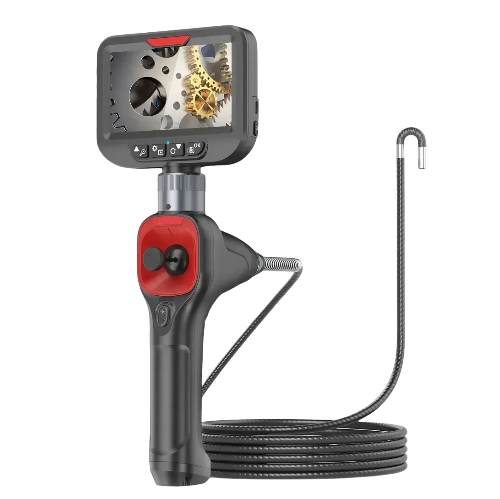
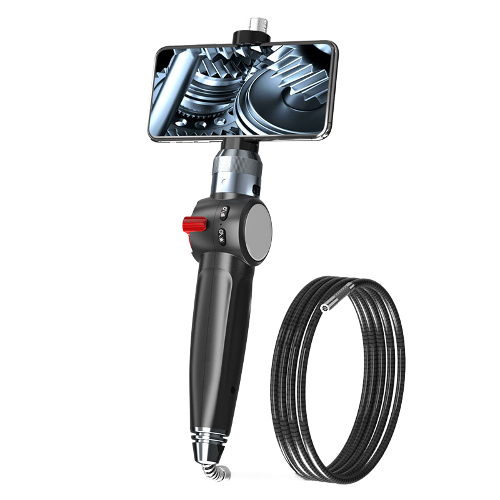
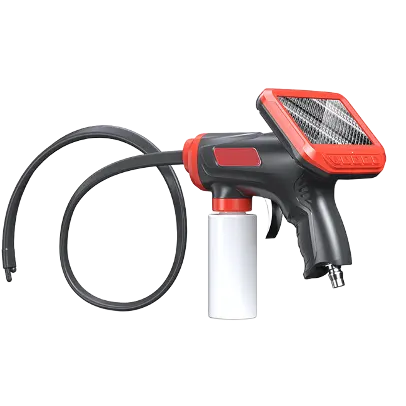
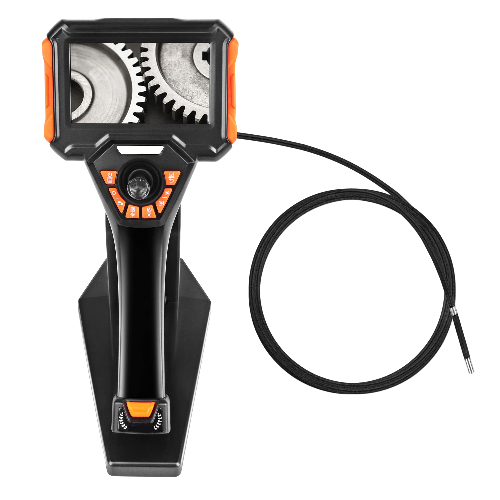
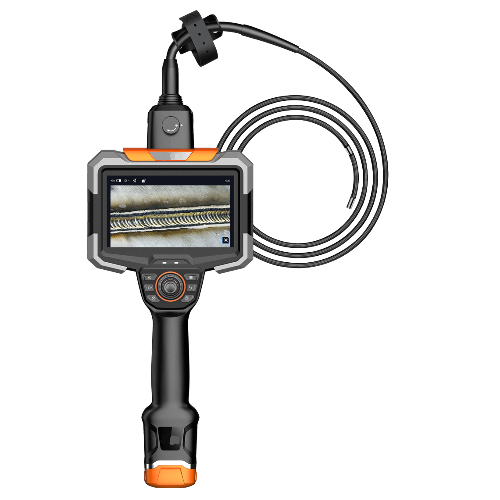
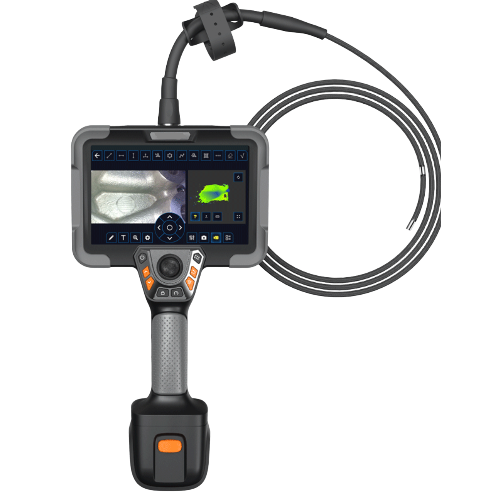
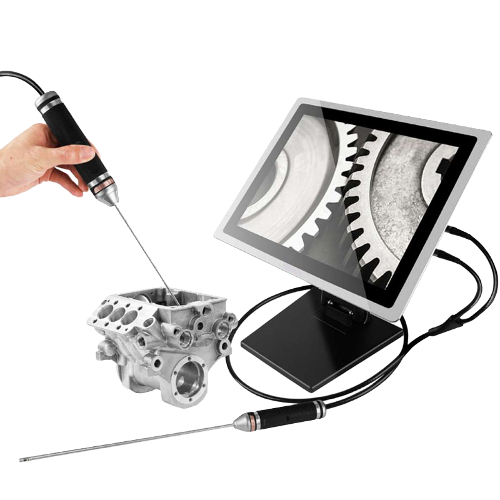
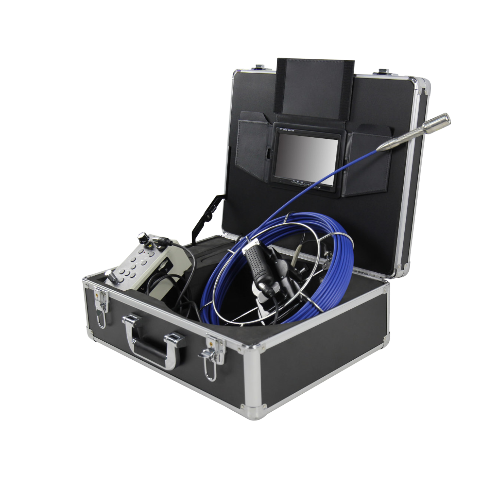
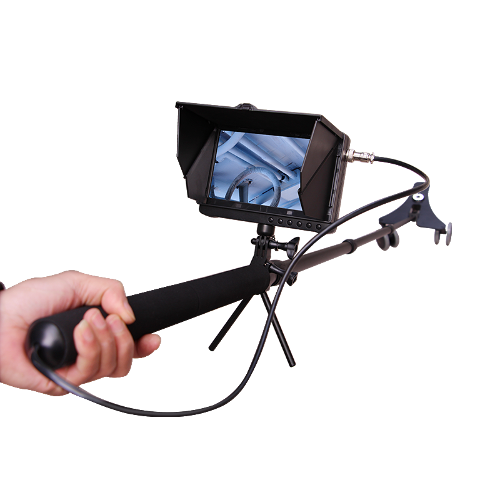
Innavi Smartphone Endoscope
Innavi Smartphone Articulating Endoscopes are portable HD inspection tools that connects a physical steering probe to a smartphone, turning Android, iOS, or Harmony OS devices into powerful industrial visual inspection systems. Eliminating the need for complex standalone hosts, it allows real-time observation of narrow, dark, or hard-to-reach areas via the phone screen, solving visual blind spot issues in automotive maintenance, pipeline inspection, and home repairs.
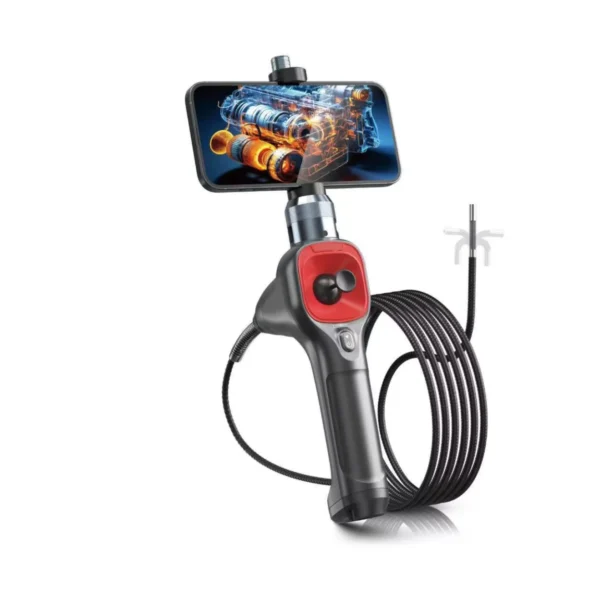
SA Series All-Way Articulation Smartphone Endoscope
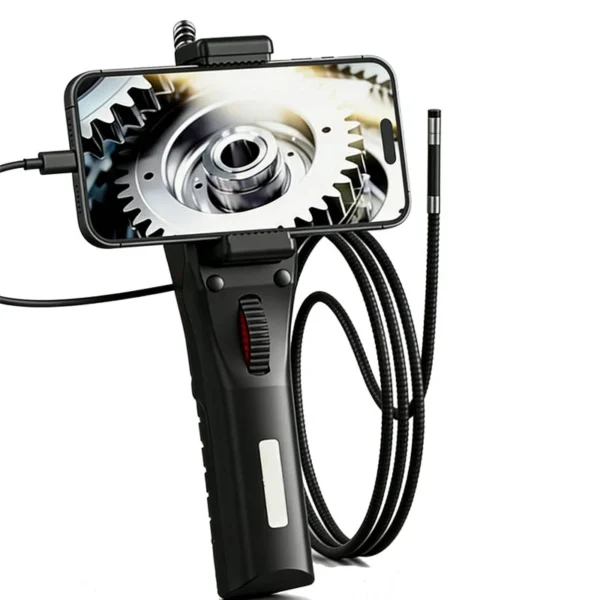
SS Series Simplified Smartphone Endoscope
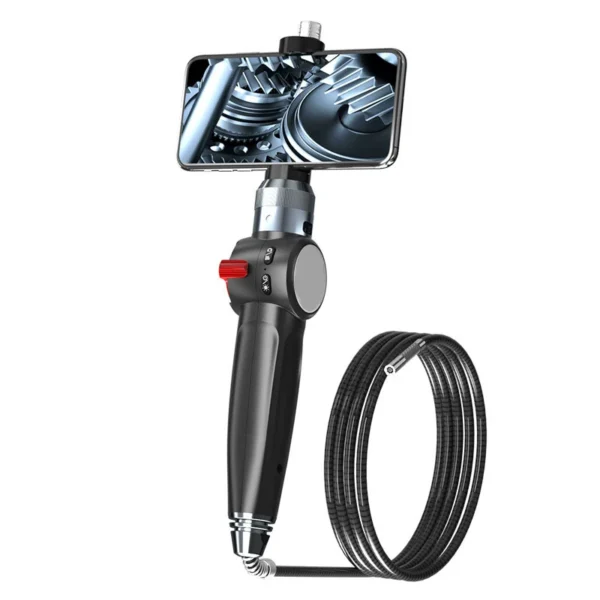
SU Series Two-Way Articulating for Android IOS Harmony Upgrade Smartphone Endoscope
Smartphone Endoscope Features
Multi-system Compatibility
Seamlessly supports iOS and Android; specific series (SU/SA) also support HarmonyOS.
High-Temperature Protection
Features real-time temperature monitoring with an automatic power-off function when temperatures exceed 90°C, ensuring safety in high-heat environments like engines.
Superior Protection
The probe features an IP67-rated waterproof and oil-proof design, constructed with a durable tungsten-braided mesh for long-lasting use
HD Visual Experience
Equipped with 6 adjustable high-brightness LEDs and an
HD camera to ensure clear images and videos even in dark environments.
Smartphone Endoscope Applications

Auto Repair
Inspect engine carbon, undercarriage leaks, aging pipes without disassembly. Case: Found oil residue in intake manifold, cut repair time by ~40%.
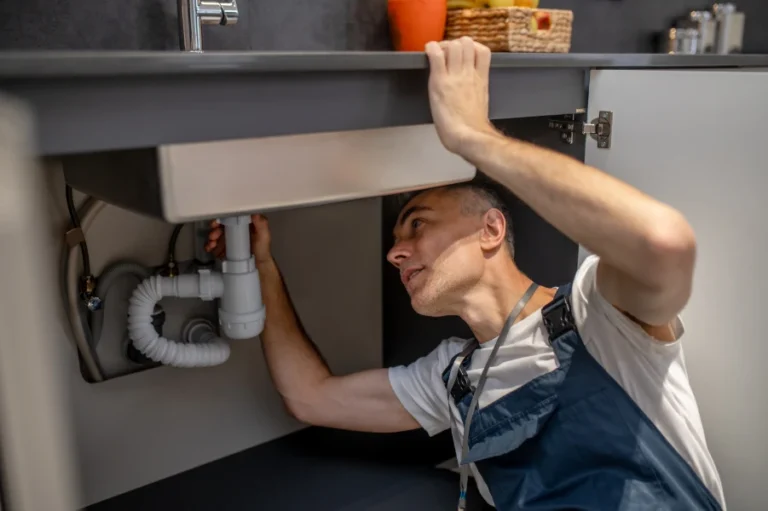
Drain & Pipe Maintenance
Locate blockages (roots, grease), inspect wall pipes, municipal drains. Case: Cracked main pipe found; spot repair saved ~60% costs.

Industrial Inspection
Check gear wear, electrical panels, tank corrosion in confined spaces. Case: Early detection of reactor coating peel prevented contamination.
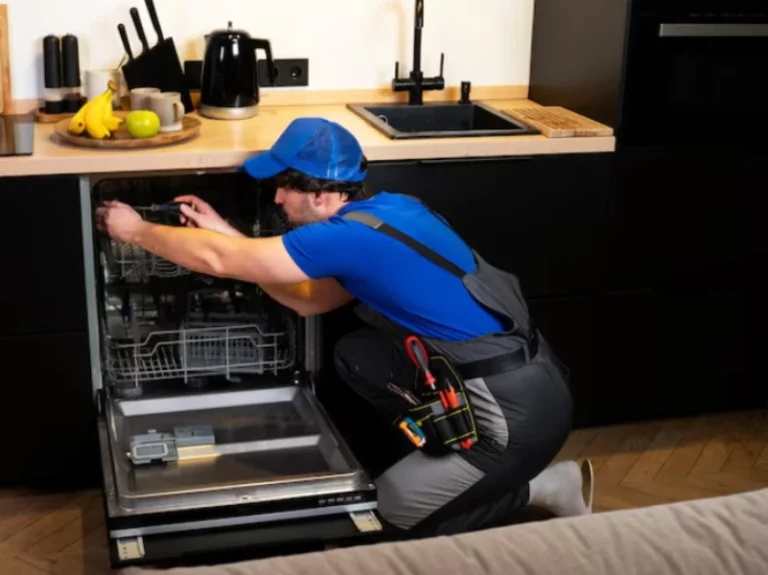
Home Appliance Maintenance
Inspect A/C dust, washer drains, hidden wiring, pest signs. Case: Cleaned clogged evaporator fins, restored cooling, avoided service call.
Smartphone Endoscope FAQ
Will overheating at the probe tip damage the device?
The device has a built-in high-temperature protection mechanism. It will automatically power off when the probe detects temperatures exceeding 90°C to protect the sensor and circuitry.
How should I maintain my articulating endoscope?
1. Clean oil and water from the probe with a soft cloth after use.
2. Avoid excessive bending of the insertion tube during storage.
3. For SU/SA series, charge and discharge every 3 months if not used for a long time to maintain battery life.
What should I do if no image is displayed after connecting the phone?
1. Check if the connection cable is securely plugged in.
2. Ensure the "OTG" function is enabled on your phone (some Android devices require manual activation).
3. Ensure the correct App is installed and camera permissions are granted.
What if the probe articulation angle is limited or not smooth?
Do not force the knob or joystick. Check for debris in the joints and ensure the insertion tube is relatively straight rather than coiled to ensure proper tension of the steering wires.
Get a Quote for SU Series Two-Way Articulating for Android IOS Harmony Upgrade Smartphone Endoscope Endoscope
No. 255 Cheng Xing Street, Shi Jingshan, Beijing, China
www.innavi.net
www.industrial-borescope.com